
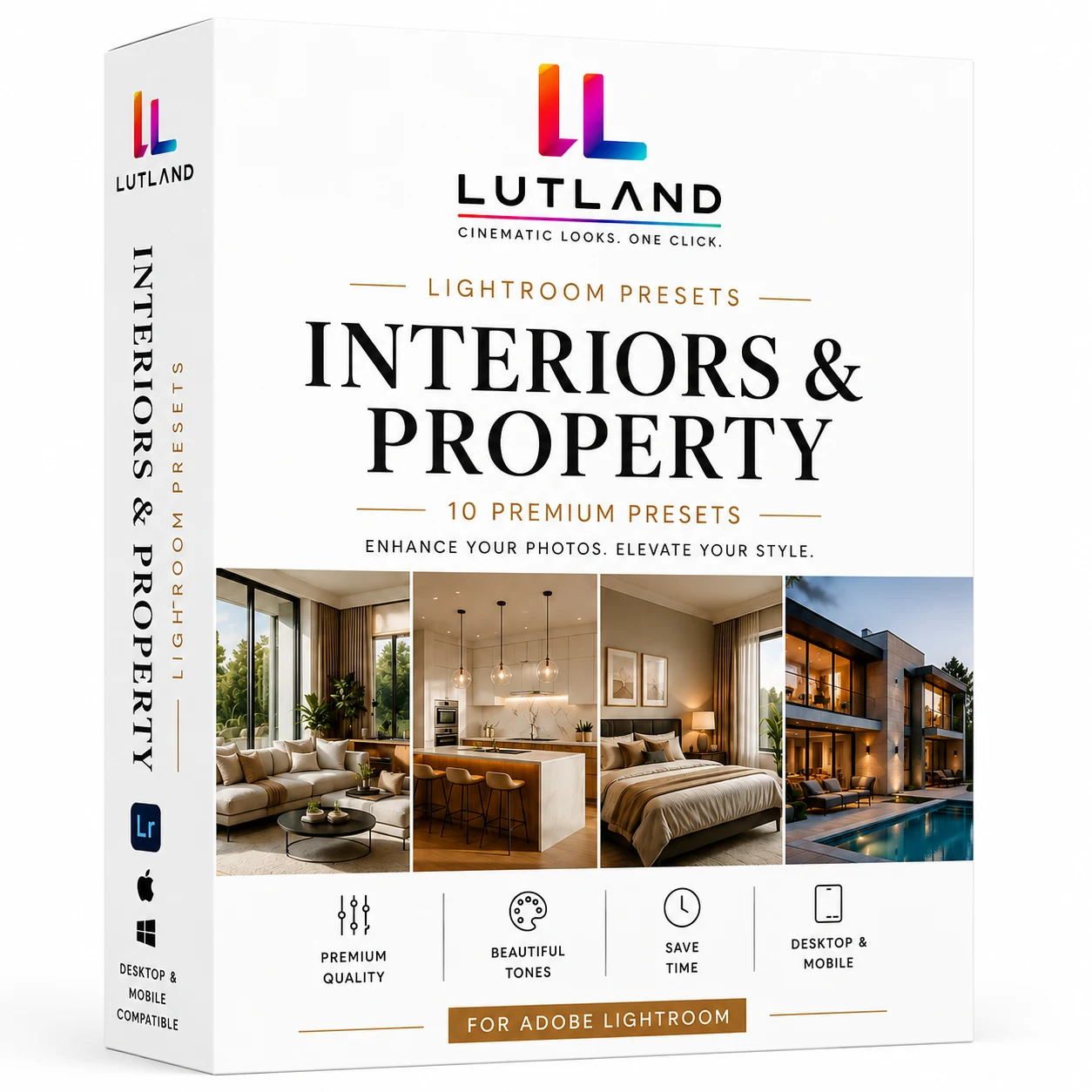
Description
Listings sell on how a space feels, not how heavily it’s been edited. This pack keeps whites true and walls neutral while adding just enough warmth and depth to make rooms feel inviting rather than clinical — built to survive a full walkthrough gallery without looking over-processed.
Matched one-to-one with our Interiors & Property LUT Pack — same names, same looks, so photo and video from the same shoot can be edited to match.
What’s Included
- 10 professionally graded Lightroom presets (.xmp)
- Cool Faded Deep
- Cool Punch Deep
- Warm Punch Deep
- Neutral Soft Deep
- Cool Base
- Warm Punch Deep 2
- Warm Faded Deep
- Warm Punch Split
- Cool Punch Deep 2
- Cool Soft Split
- Install guide (README.txt)
- License / terms of use (LICENSE.txt)
- True-to-life colour that won’t misrepresent a listing
Compatibility
Works in Adobe Lightroom Classic, Lightroom (desktop & mobile/CC), and Adobe Camera Raw in Photoshop.
How to install: Lightroom Classic: File > Import Profiles & Presets… and select the .xmp files (or drop them into the Lightroom > Develop Presets folder and restart Lightroom). Lightroom (CC/mobile): tap the + icon in the Presets panel > Import Presets. Camera Raw (Photoshop): open Camera Raw, click the presets icon > Import Profiles/Presets.
License
For your own and client work, personal or commercial. The .xmp files themselves can’t be resold, shared, or redistributed. Full terms are included in the download.
Instant digital download — all sales are final once files are delivered.