
Free, plain-English guides to LUTs, colour grading and Lightroom presets – how they work, which version to use, and exactly how to install them in DaVinci Resolve, Premiere Pro, Final Cut Pro, CapCut and Lightroom.
 What Is a LUT? A Beginner’s Guide to LUTs for VideoWhat a LUT is, the difference between technical and creative LUTs, and how to get great results from LUTs on any camera – explained simply.Read the guide →
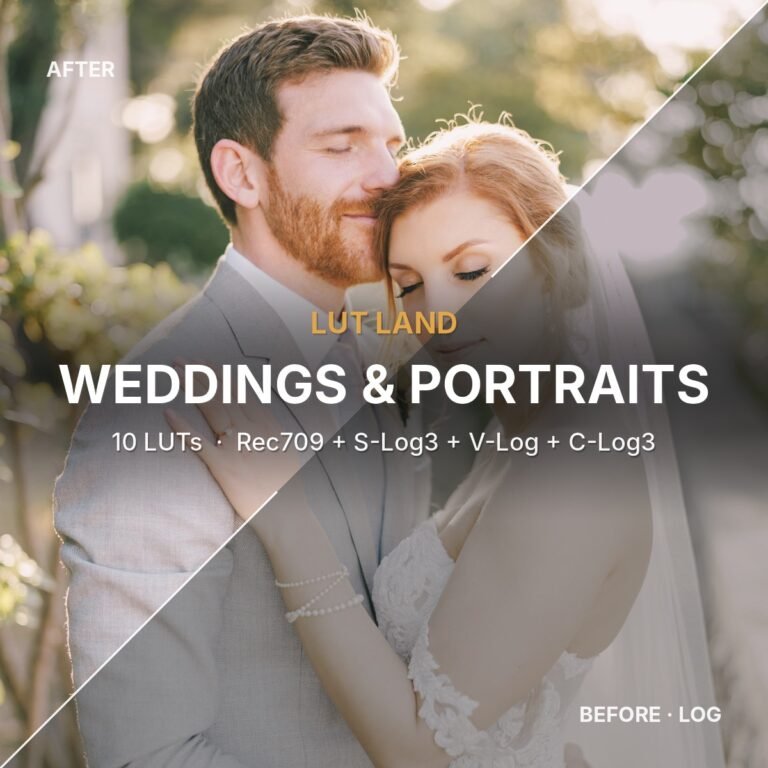 What Is Rec709? Using LUTs on Standard (Non-Log) FootageWhat Rec709 means, how to tell if your footage is Rec709, and how to get great results with LUTs on standard phone, drone and camera footage.Read the guide →
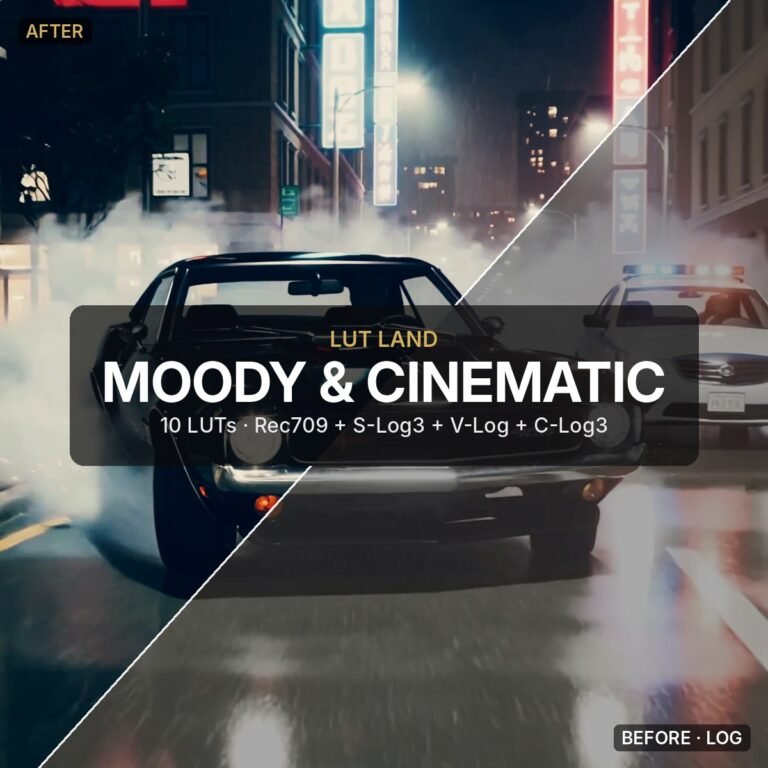 How to Use LUTs in DaVinci Resolve (Step by Step)How to install LUTs in DaVinci Resolve, the best node setup, how to apply and soften a LUT, and fixes for the most common problems.Read the guide →
 How to Use LUTs in Premiere Pro, Final Cut Pro and CapCutStep-by-step: apply .cube LUTs in Premiere Pro (Lumetri), Final Cut Pro (Custom LUT) and CapCut, plus the log settings that stop footage looking wrong.Read the guide →
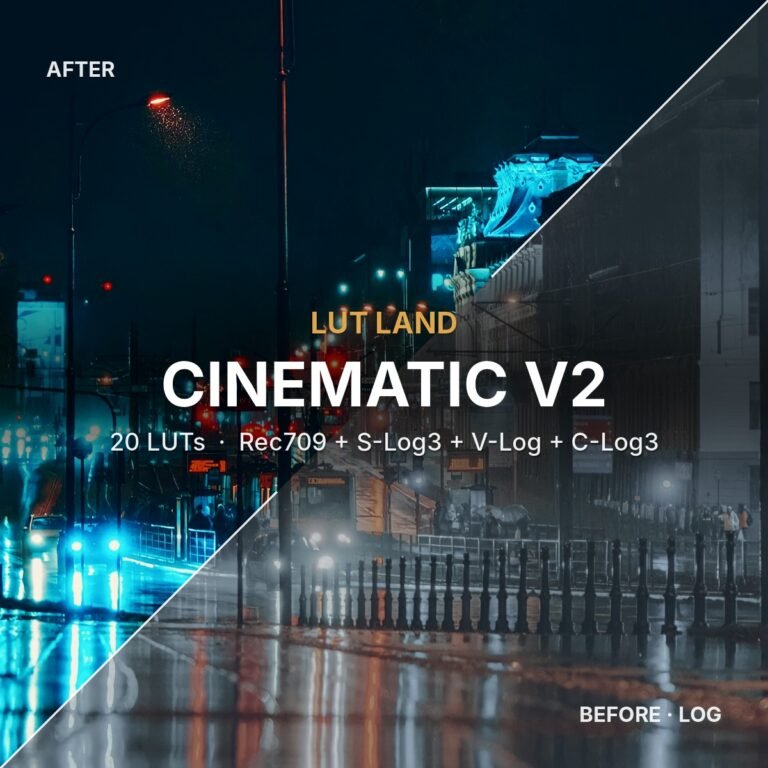 Log vs Rec709 LUTs: Which Version Should You Use? (S-Log3, V-Log, C-Log3)Rec709, S-Log3, V-Log or C-Log3? A plain-English guide to choosing the right LUT version for Sony, Panasonic, Canon, phone and drone footage.Read the guide →
 How to Install Lightroom Presets on Desktop and MobileHow to install .xmp Lightroom presets in Lightroom Classic, Lightroom desktop and Lightroom mobile, apply them, and get the best results.Read the guide →
Start here
New to LUTs? Read What is a LUT? first, then What is Rec709? and Log vs Rec709 to pick the right version for your camera.
Ready to try some looks? Browse the LUT packs, the Lightroom presets or the bundles.