
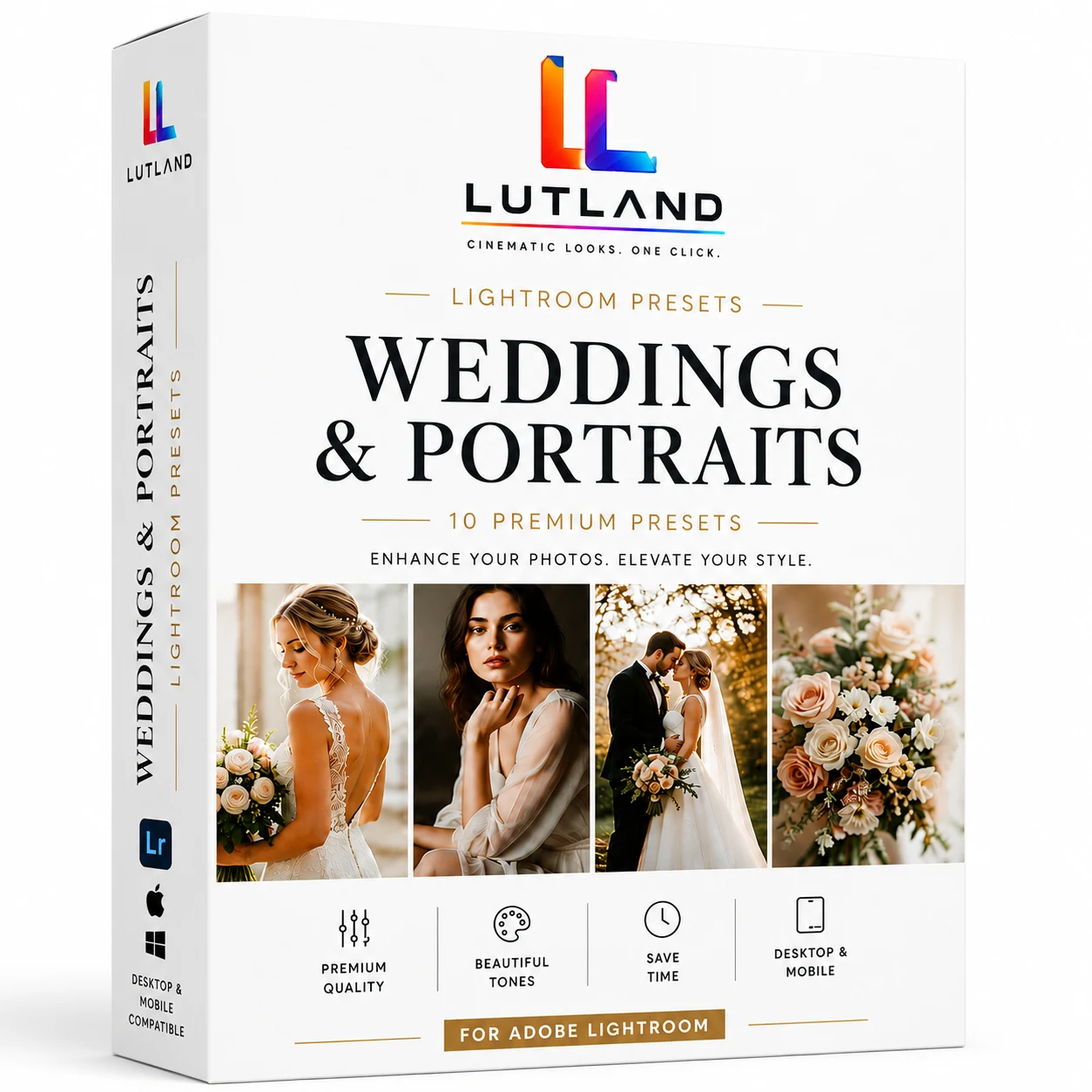
Description
Skin tones that hold up, light that feels romantic, and a cinematic finish you can drop onto a whole gallery in one click. This pack covers the full range a wedding or portrait shoot actually needs — clean neutral edits for editorial delivery, warm hazy tones for golden-hour portraits, and deeper, grain-heavy looks for reception and film-style edits.
Matched one-to-one with our Weddings & Portraits LUT Pack — same names, same looks, so photo and video from the same shoot can be edited to match.
What’s Included
- 10 professionally graded Lightroom presets (.xmp)
- Neutral Split
- Neutral Soft Split
- Cool Punch Deep
- Neutral Punch Deep
- Warm Bright Haze
- Cool Soft Bright
- Neutral Deep Grain
- Cool Faded Grain
- Warm Haze
- Neutral Deep
- Install guide (README.txt)
- License / terms of use (LICENSE.txt)
- Same look-family across the whole day: ceremony, portraits and reception all edit consistently
Compatibility
Works in Adobe Lightroom Classic, Lightroom (desktop & mobile/CC), and Adobe Camera Raw in Photoshop.
How to install: Lightroom Classic: File > Import Profiles & Presets… and select the .xmp files (or drop them into the Lightroom > Develop Presets folder and restart Lightroom). Lightroom (CC/mobile): tap the + icon in the Presets panel > Import Presets. Camera Raw (Photoshop): open Camera Raw, click the presets icon > Import Profiles/Presets.
License
For your own and client work, personal or commercial. The .xmp files themselves can’t be resold, shared, or redistributed. Full terms are included in the download.
Instant digital download — all sales are final once files are delivered.